See it in action
Open your camera. Watch it come alive.
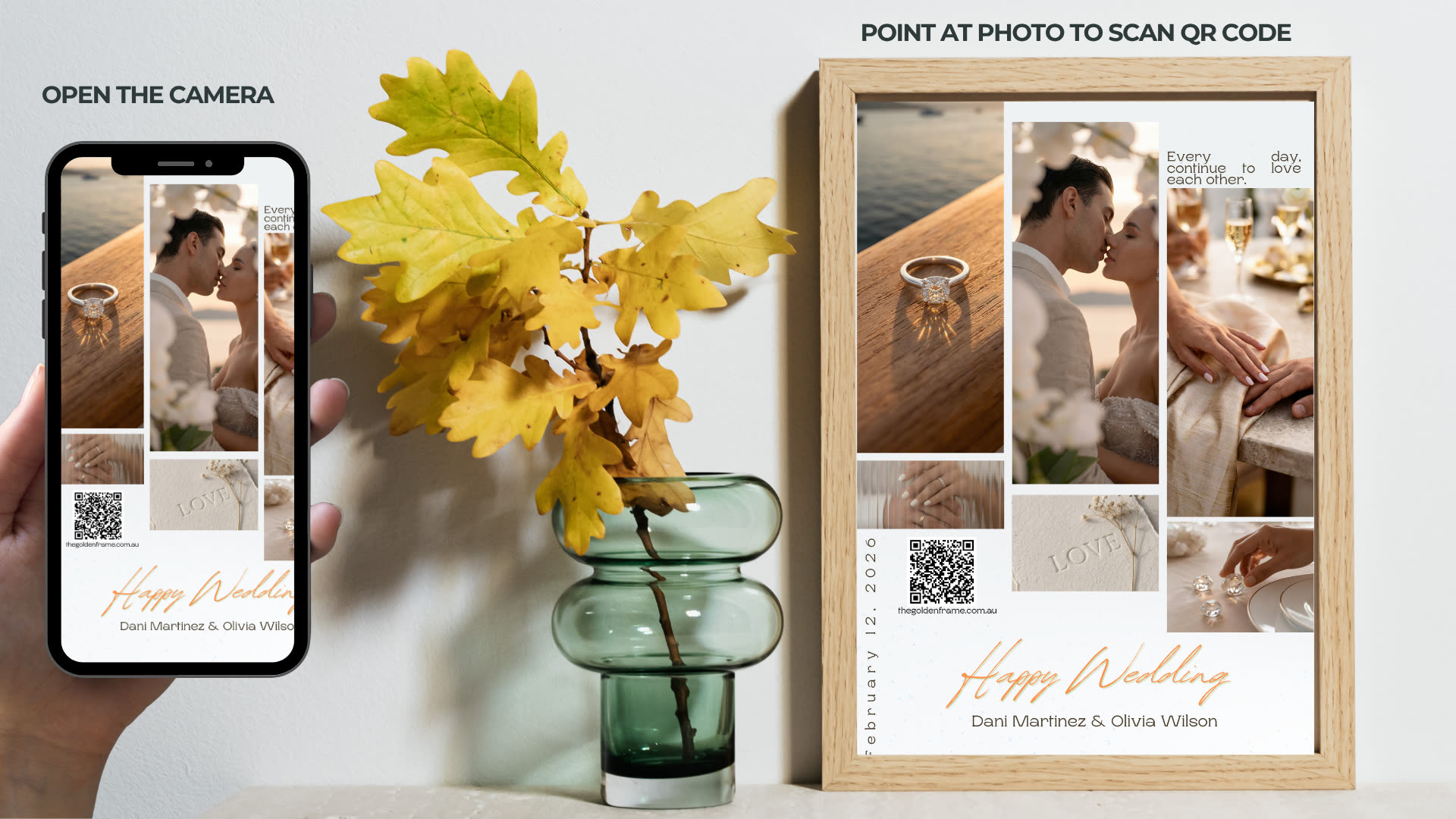
No app, no sign-up. Just open your phone camera, scan the QR code, then point it at the photo - and watch a still image play as a moving video memory in augmented reality.
Try it yourself
A real, working sample
Grab your phone, open the camera and scan the code on the left. Then point it at the wedding frame on the right - the photo will start to play.
Scan this QR code
Open your phone camera and hold it over the code - tap the link that pops up.

Point at this photo
With the sample open, aim your camera at the frame below and hold steady - the photo starts to play.
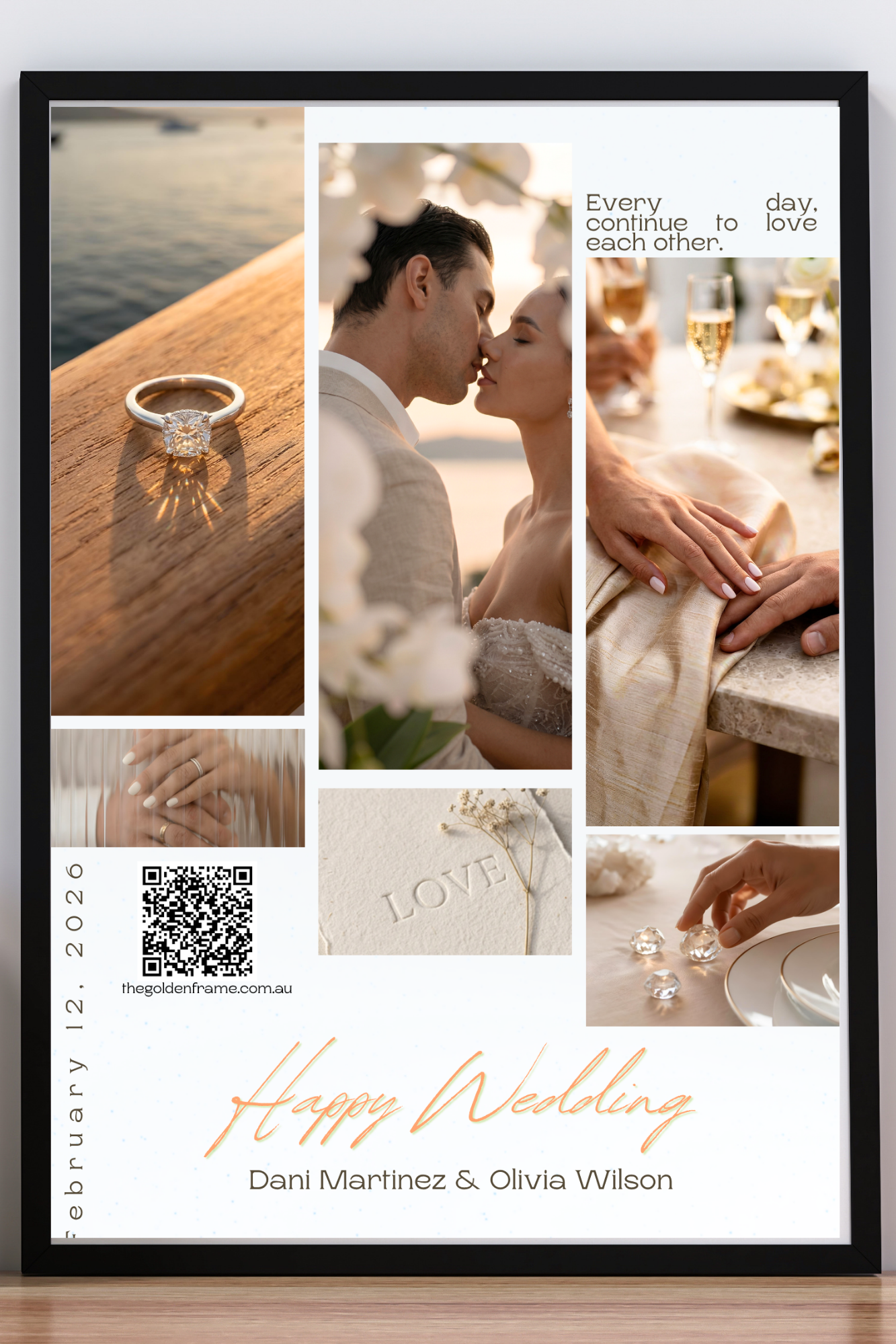
The live AR target
Tip: it works best in good light. On the printed frame we ship you, the QR and photo sit together - so a single scan does both steps at once.
How it works
Scan. Watch. Relive.
Scan the frame
Point your phone camera at the photo - no app to download. WebAR opens right in your browser.
Watch it come alive
Your chosen video plays seamlessly over the photo in augmented reality, with sound.
Relive the moment
Hear their voice, see them move, feel the moment again - any time, as often as you like.